
 jewelry inspiration
 jewelry inspiration
 jewelry inspiration
 jewelry inspiration
 jewelry inspiration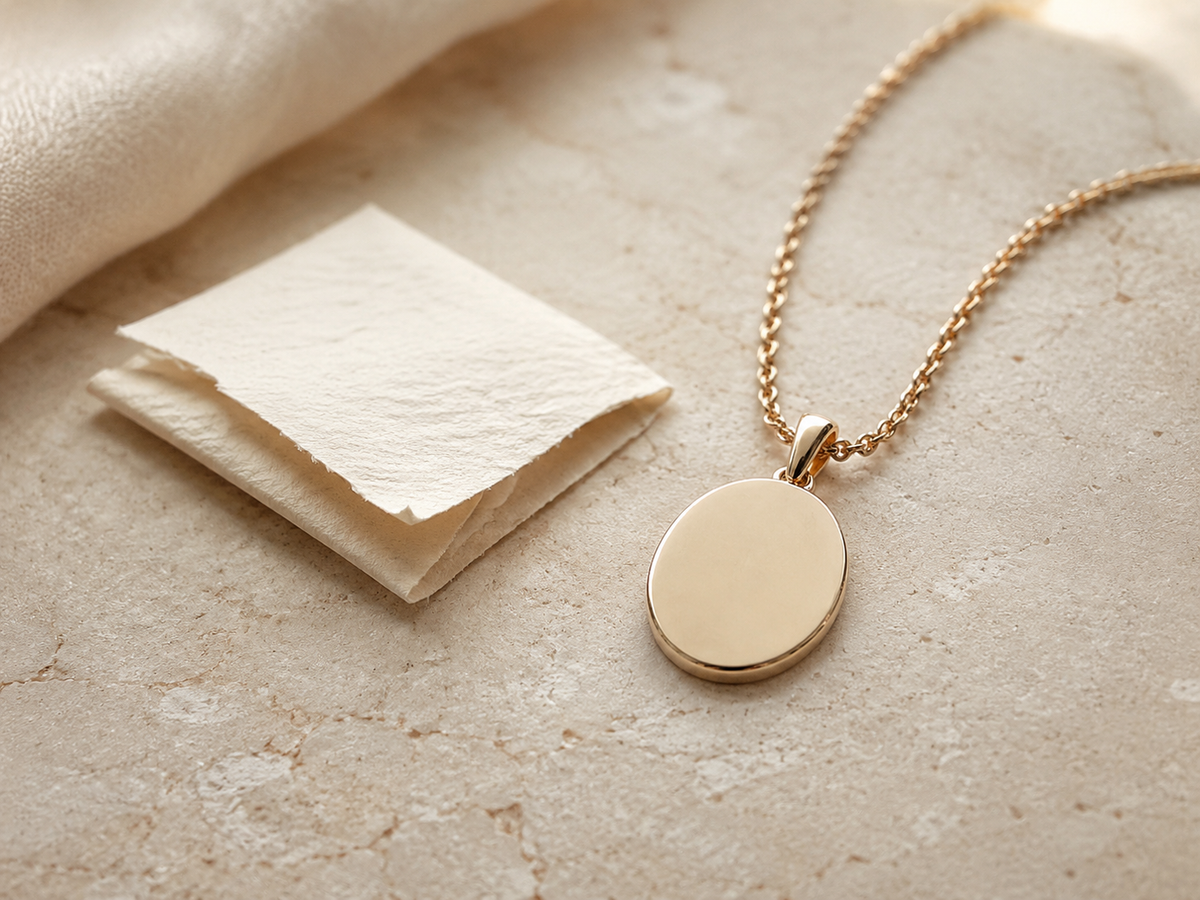
September 2026
PERSONALIZED JEWELRY · FOR EVERY STORY
Turn a name, date or feeling into something they can carry.

GLEAM ASSISTANT
Ask for a gift idea, find the right jewelry, explore a Journal topic or develop an engraving. Gleam Assistant can guide the next step without requiring you to know exactly what you are looking for.
Start with the person, the piece or the meaning.
Get recipient-first guidance before choosing a piece.
Use the Journal for engraving, care, sizing, style and meaning.
Turn a story, feeling, name or date into a stronger direction.
OUR EDIT
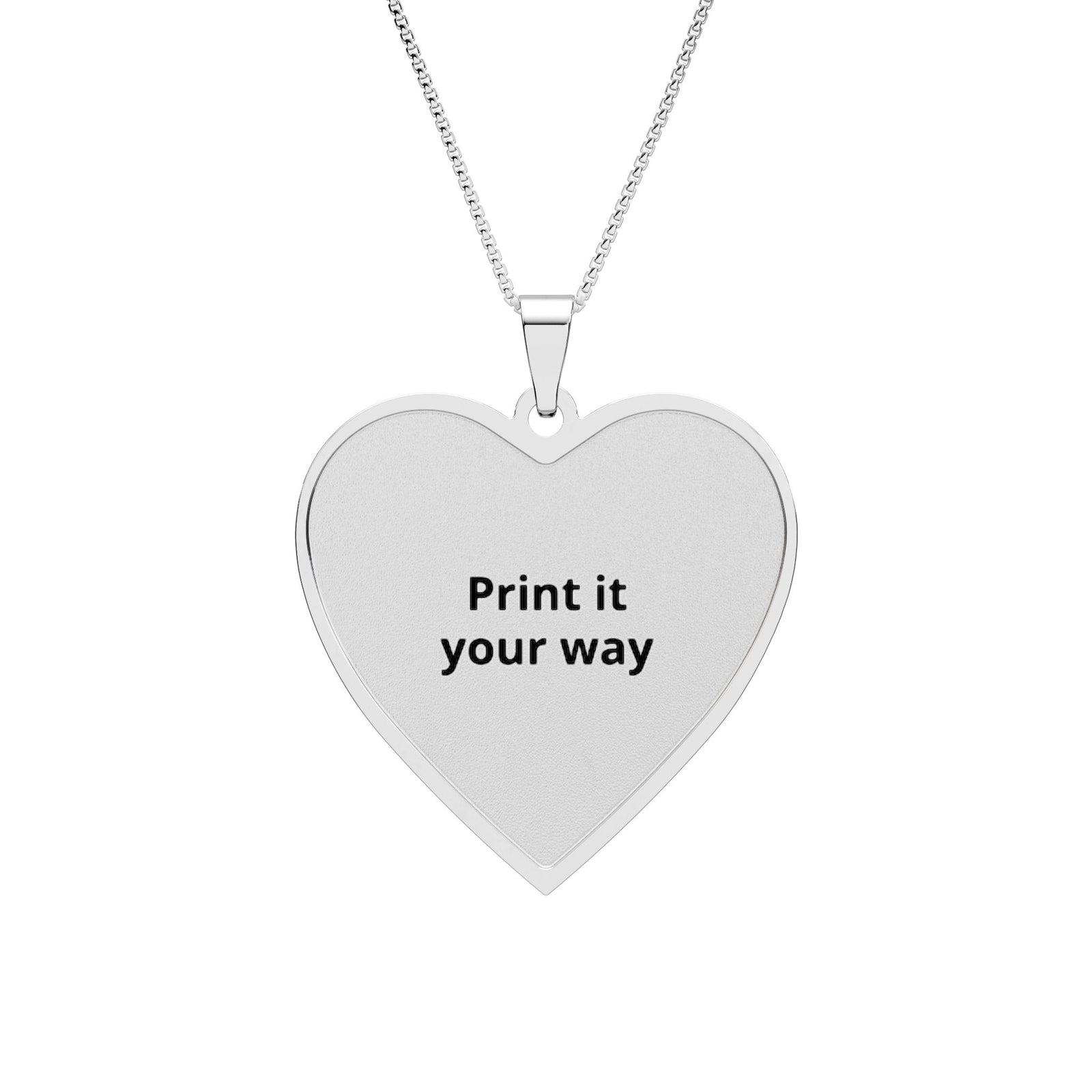
From $88.70
Design & preview →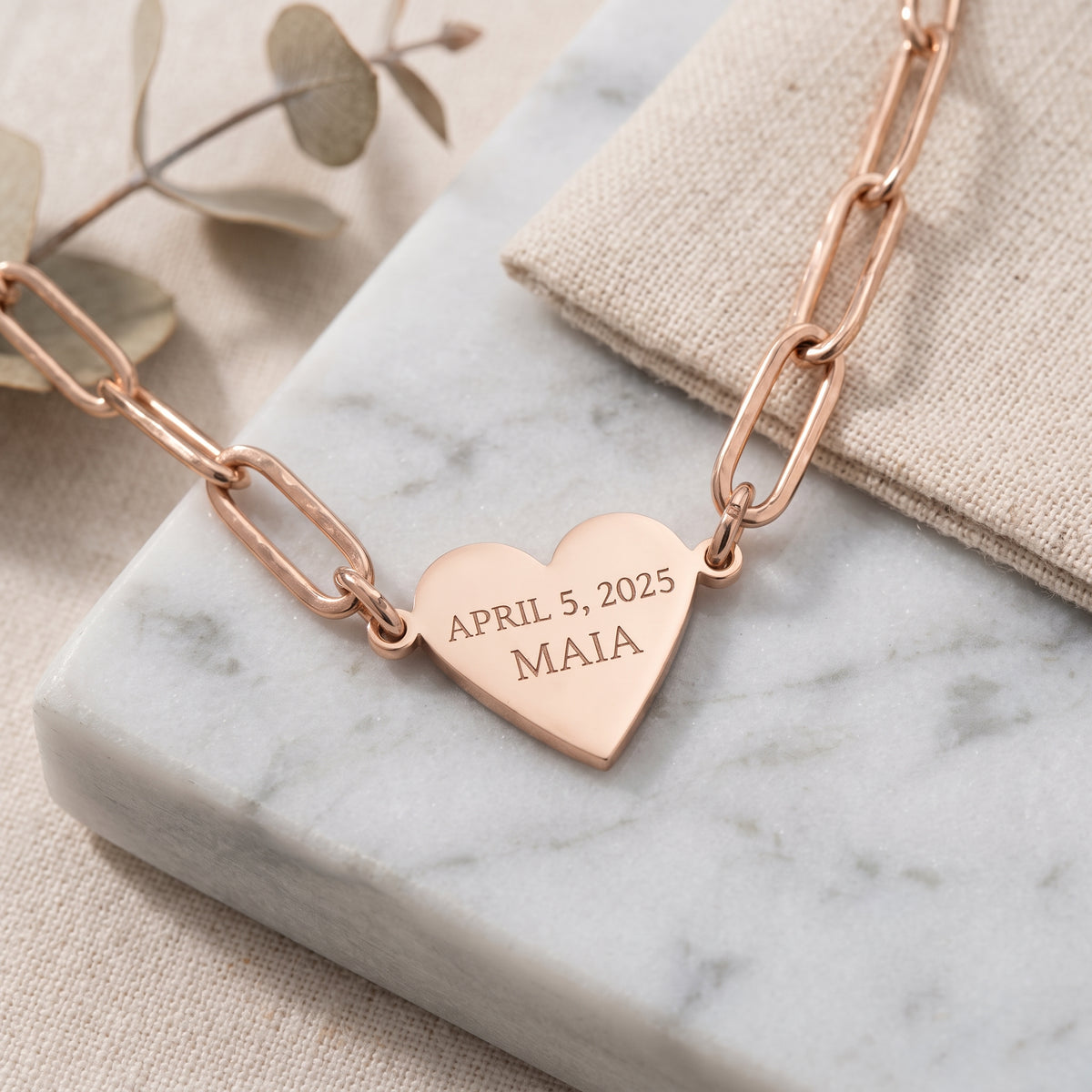
From $55.45
Design & preview →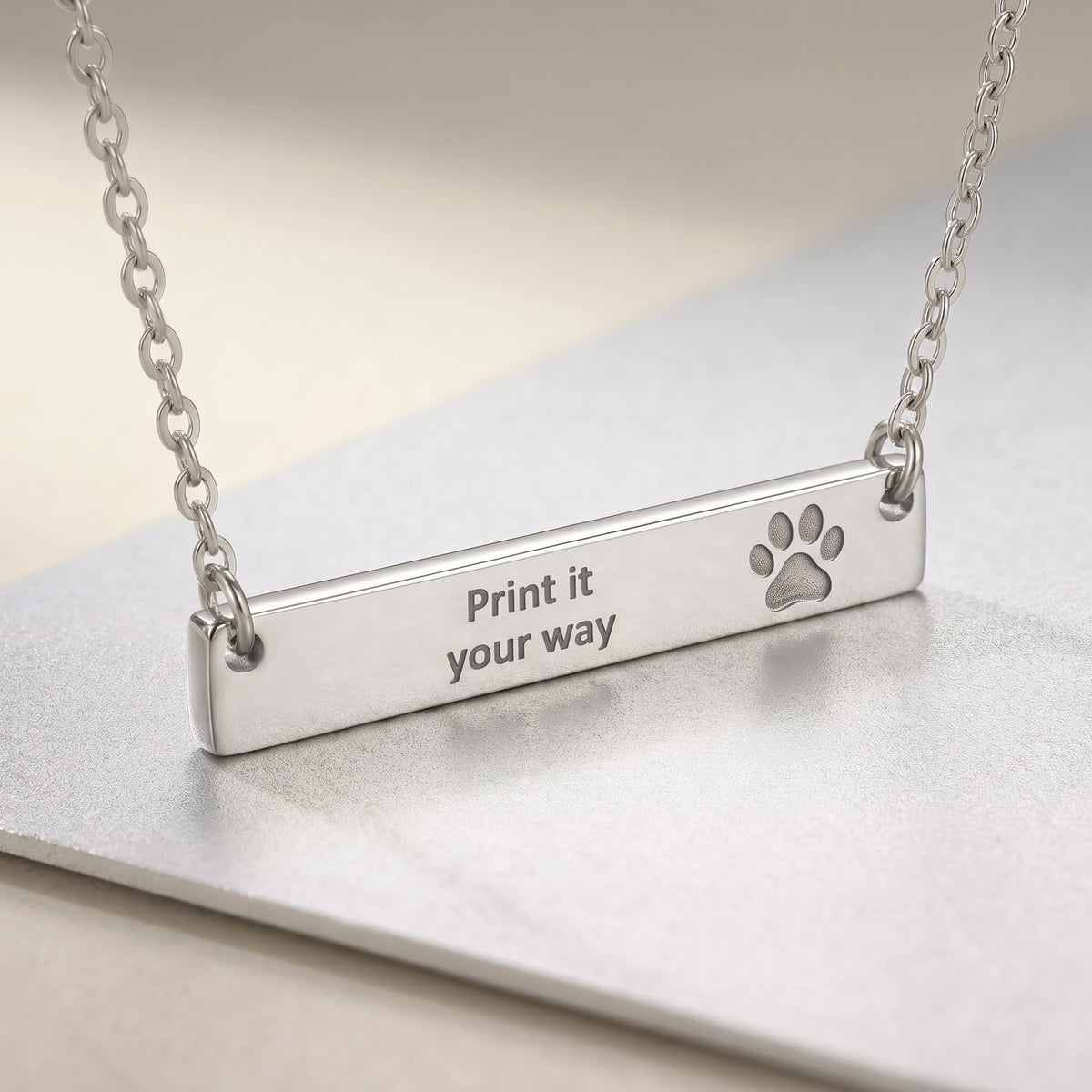
From $49.40
Design & preview →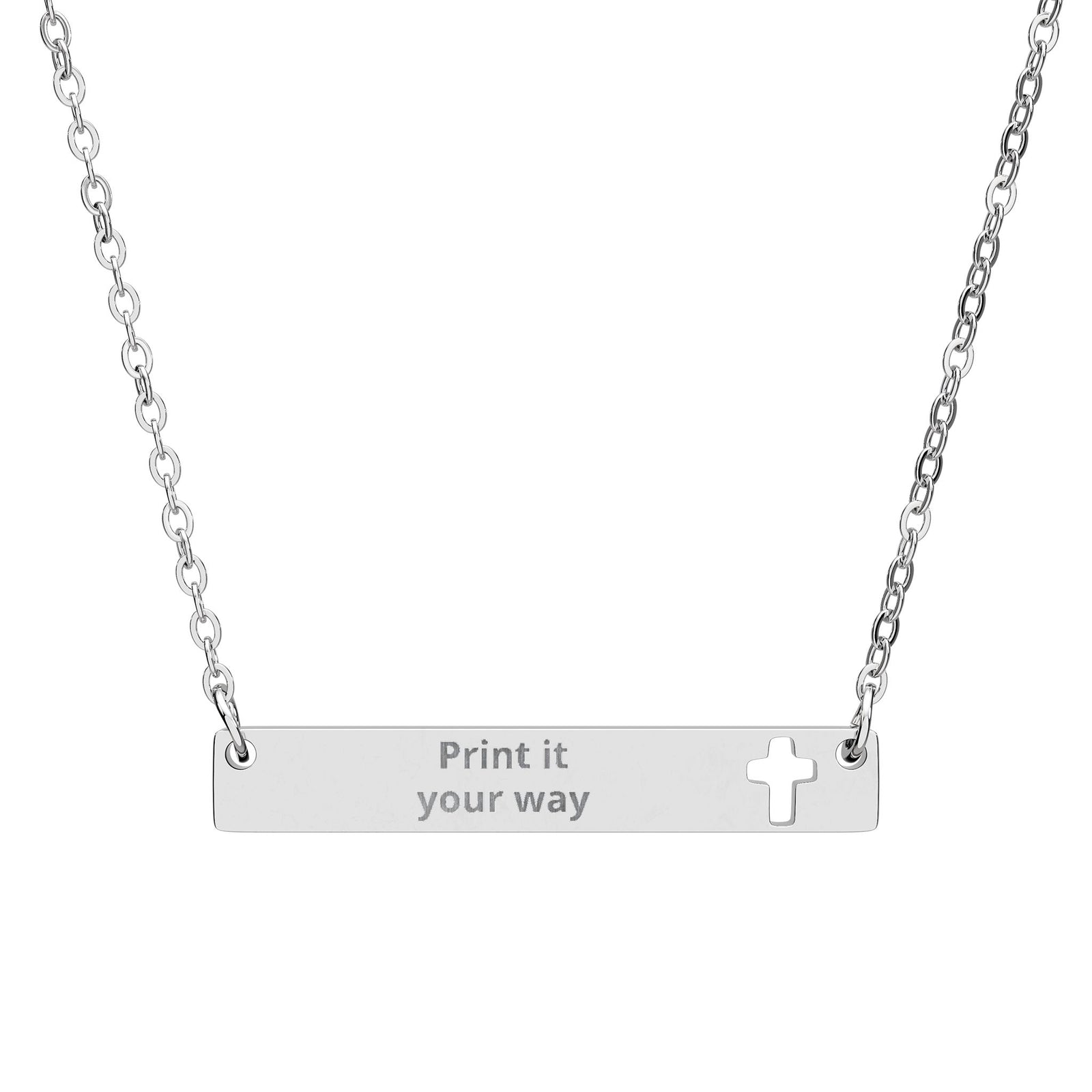
From $49.40
Design & preview →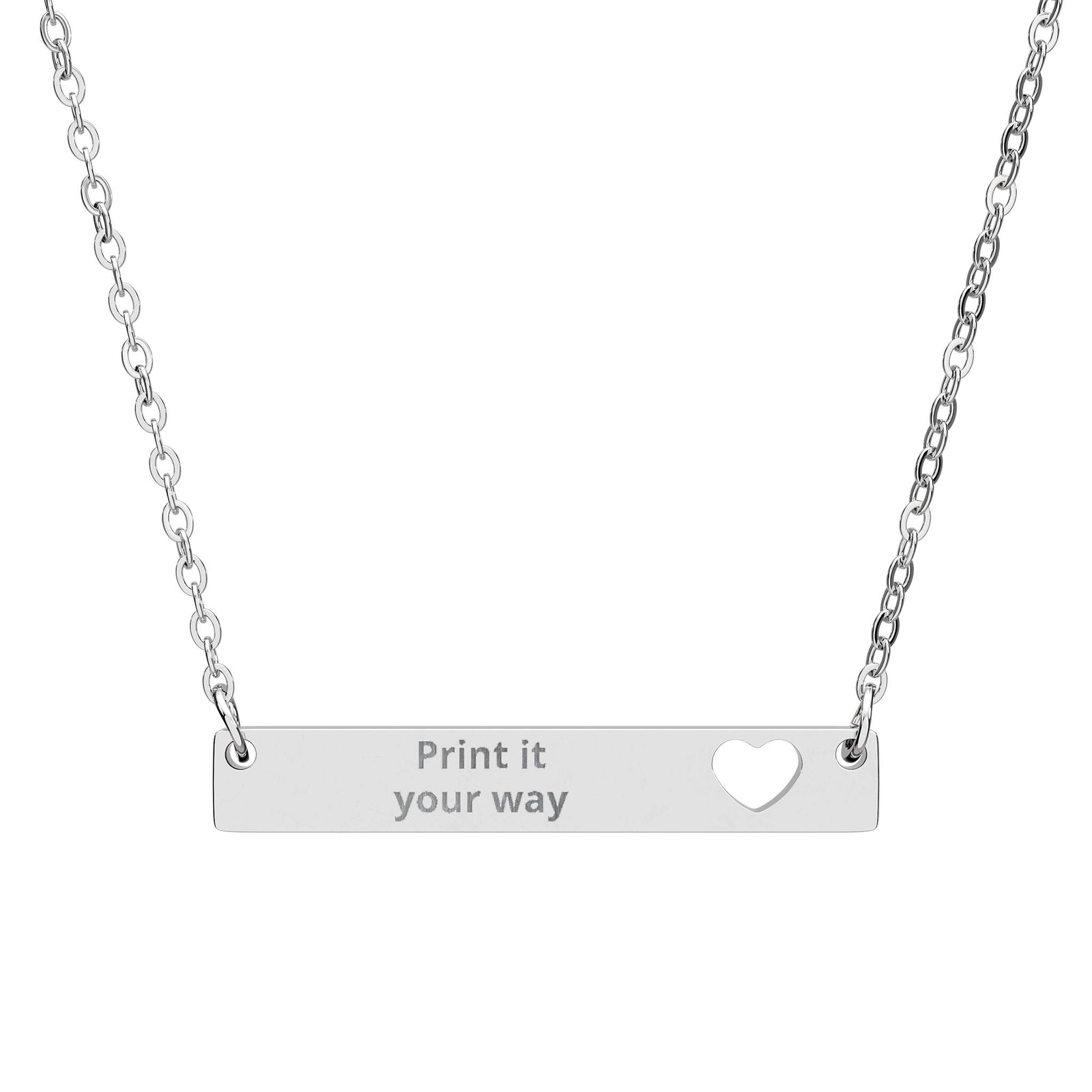
From $49.40
Design & preview →THE JOURNAL
MY GLEAM & FORM
Your Gleam & Form account is the foundation for a more personal experience with us. Keep your orders together today, and use My Designs on this device to keep engraving ideas you want to revisit while we build toward a fuller member experience.
Creating an account is optional. My Designs currently saves selected ideas in this browser on this device; account and cross-device synchronization are only shown as active after verified Shopify authentication.
The Gleam & Form Journal is open to everyone, with growing guides about meaningful gifts, engraving ideas, jewelry materials, style, care and personalization.
Discover the Journal →Use your account as a simple place to return to your Gleam & Form order history and account experience.
Save selected engraving ideas from Gleam Assistant, revisit them later, continue refining them, or return to the related product.
Use the Journal and Gleam Assistant together while choosing gifts, meanings, sizing, care and personalization.
We are exploring member offers and shipping benefits. A benefit is only presented as available once it is genuinely active.
Built carefully: active features are separated from capabilities still in development.

